Microsoft 365 Scripts

Microsoft 365 scripts repository

All Posts
News
Security
Microsoft 365
Microsoft Teams
Exchange Online
SharePoint Online
The smarter way to manage Microsoft 365. Try AdminDroid for free!

Microsoft 365 Scripts

m365scripts.com

Sudharshan
February 13, 2025
Brand Impersonation Protection for Teams Chat

Brand Impersonation Protection for Teams Chat

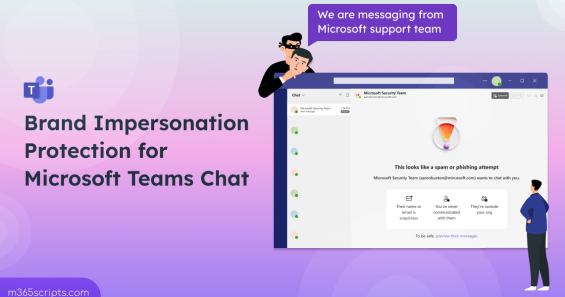
Protect Microsoft Teams from brand impersonation attacks in external chats with automatic detection and user alerts. Teams scans incoming external messages for suspicious sender names mimicking trusted brands, warning recipients before they engage with potentially fraudulent messages from attackers.

Microsoft Teams
Praba
June 25, 2024
New Outlook Links Open Alongside Emails in Microsoft Edge

New Outlook Links Open Alongside Emails in Microsoft Edge

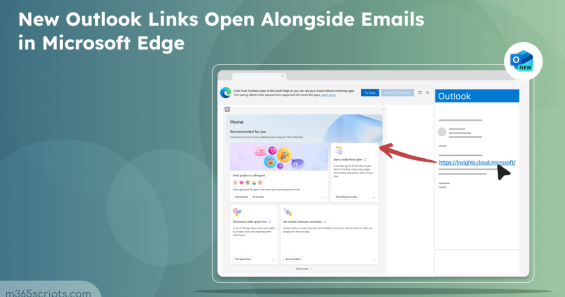
Control Outlook web links to open in default browsers instead of Microsoft Edge using cloud policy or administrative templates. Configure the Choose Which Browser Opens Web Links policy in Microsoft 365 Apps admin center for organization-wide browser preferences.

Microsoft 365
Praba
May 16, 2024
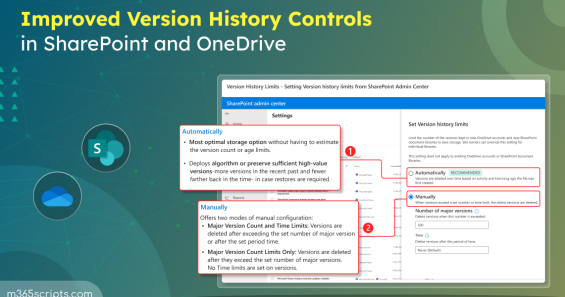
Intelligent Version History Controls for SharePoint and OneDrive

Intelligent Version History Controls for SharePoint and OneDrive

Configure intelligent version history controls in SharePoint Online and OneDrive to manage file versions efficiently. Set automatic deletion schedules and organization-wide version limits. Use time-based algorithms to retain critical versions while optimizing storage consumption.

Microsoft 365
Aima
April 29, 2024
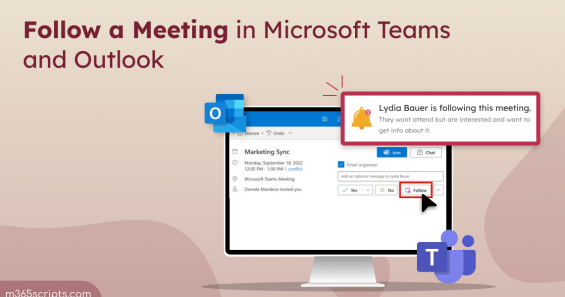
Follow a Meeting in New Outlook

Follow a Meeting in New Outlook

Use the Follow meeting response option in Outlook and Teams to stay informed about meetings you cannot attend. Receive notifications when meeting recaps, recordings, and transcripts become available. Keep calendar slots free while maintaining access to meeting content and chat history.

Microsoft 365
Sudha
March 1, 2024
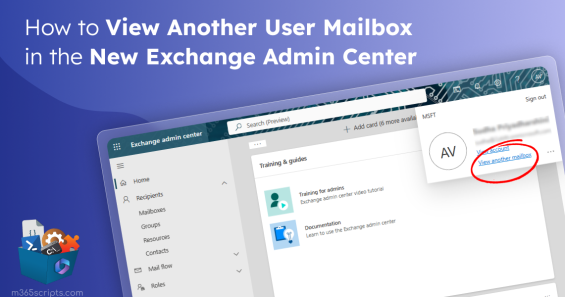
How to View Another User Mailbox in the New Exchange Admin Center

How to View Another User Mailbox in the New Exchange Admin Center

View another user's mailbox in the new Exchange admin center without requiring full access permissions. Manage calendar settings, meeting request handling, and distribution group membership directly from EAC. Access mailbox configurations through the View another mailbox feature.

Exchange Online
Thiraviam
November 10, 2023
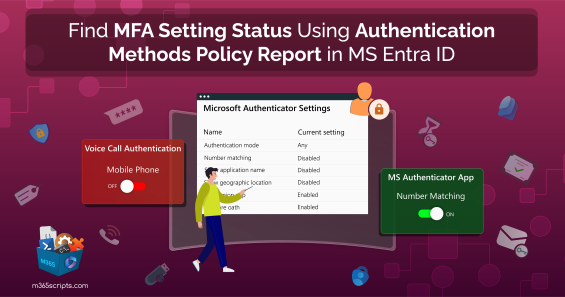
Find MFA Setting Status Using Authentication Methods Policy Report in MS Entra ID

Find MFA Setting Status Using Authentication Methods Policy Report in MS Entra ID

Monitor MFA settings using the Authentication Methods Policy report in Microsoft Entra ID to identify per-user authentication configurations. Gain granular control over multi-factor authentication methods, detect weak security settings, and remediate vulnerabilities. Access detailed status information beyond standard registration details.

Microsoft 365
Thiraviam
October 7, 2023
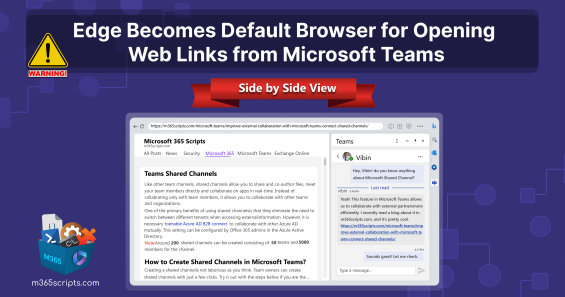
Edge Becomes Default Browser for Opening Web Links from Microsoft Teams

Edge Becomes Default Browser for Opening Web Links from Microsoft Teams

Microsoft Edge now opens web links from Teams chats by default, overriding Windows browser settings for commercial users with Entra ID accounts. Disable this behavior through registry settings or group policy to restore links opening in your preferred default browser on Windows 10 and 11 devices.

Microsoft 365
Shan
September 26, 2023
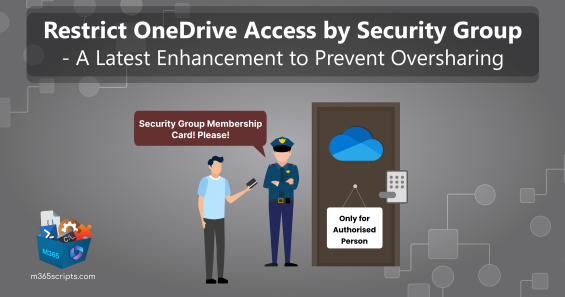
Restrict OneDrive Access by Security Groups

Restrict OneDrive Access by Security Groups

Restrict OneDrive access by security groups using SharePoint Advanced Management to control who can access personal cloud storage. Implement restricted access control policies requiring Microsoft 365 E5 or Syntex licenses to limit OneDrive availability to designated security group members only.

Microsoft 365
Shan
September 22, 2023
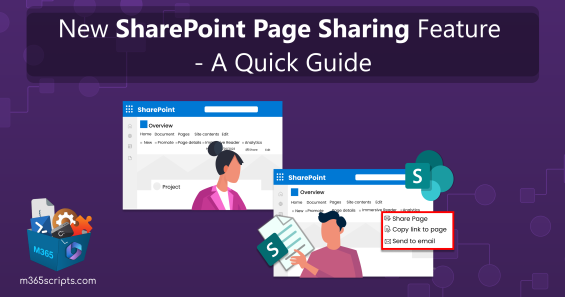
SharePoint Page Sharing Feature – A Quick Guide

SharePoint Page Sharing Feature – A Quick Guide

Share SharePoint Online pages directly with colleagues and external partners without complex permission configurations. Use the new page sharing feature to grant access quickly through the Share button, enabling efficient collaboration on informative content including images, documents, videos, and other multimedia elements.

Microsoft 365
Shan
May 30, 2023
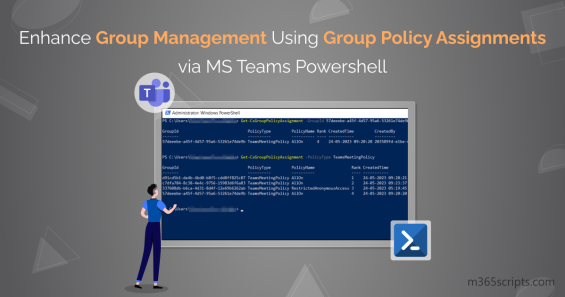
Group Policy Assignments Using Microsoft Teams PowerShell

Group Policy Assignments Using Microsoft Teams PowerShell

Assign group policies using Microsoft Teams PowerShell module to manage messaging, meetings, calling, and conferencing settings. Apply policies to Microsoft 365 groups, distribution lists, and security groups with precedence rules. Control security settings including anonymous meeting access through efficient group policy assignments.

Microsoft 365

Recent Posts

  • How to Find and Unpublish Internet Calendars in Microsoft 365
  • Difference Between ‘Sync’ and ‘Add Shortcut to OneDrive’ in SharePoint Online
  • Restrict Private Messaging in Microsoft Teams Using Supervised Chats
  • How to Create and Manage Inbox Rules for Shared Mailboxes in Outlook
  • How to Block Specific Team members from Communicating with Others

Sign up for M365Scripts

AdminDroid
One tool solution for complete Microsoft 365 Management

Automate, audit, and more in one place.

Get Started for Free